
Install MetaTrader 5 on Windows for full charting, indicators and Expert Advisors.
Download MT5
MT5 Desktop Version
MetaTrader 5
Install the full desktop terminal for advanced charting, Expert Advisors, multi-asset tools and a smoother trading workspace.
- Professional desktop charting
- Expert Advisors and indicators
- Multiple order types
- Economic calendar and market tools
- Windows desktop, Web Trader and mobile access

+2.48%Daily overview
DesktopFull terminal access
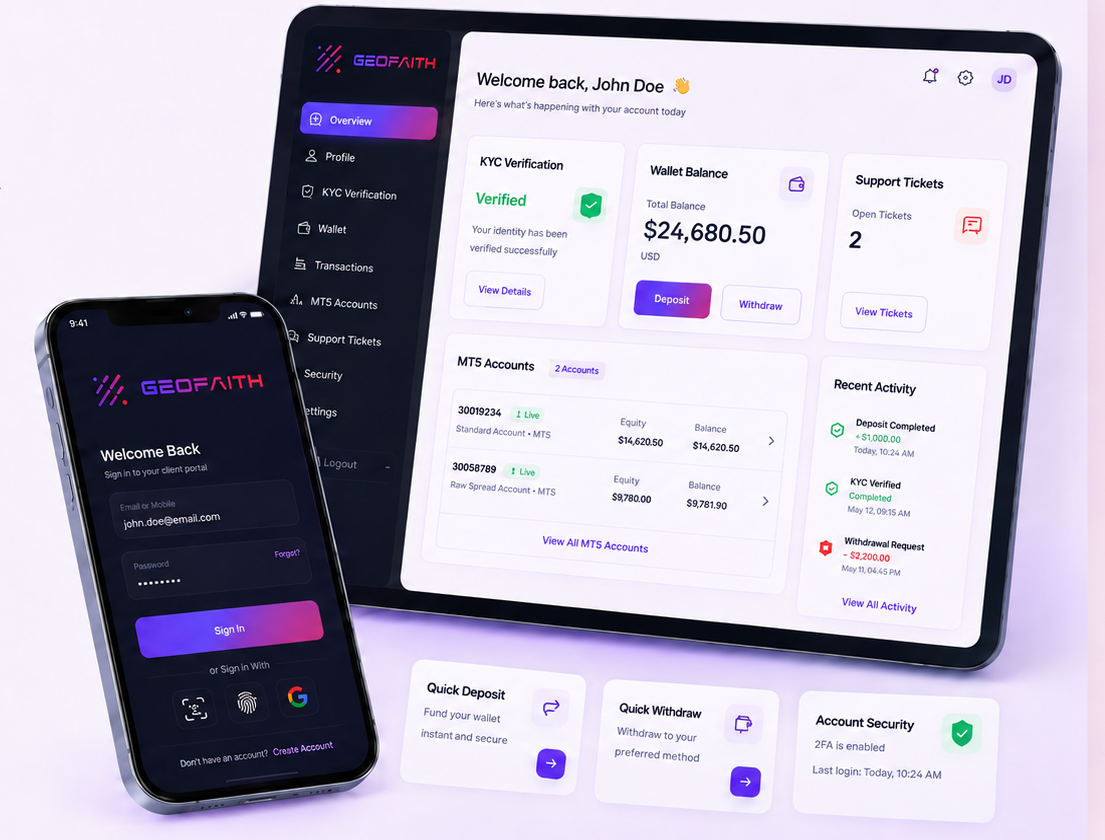
CRM App Ready
 Download Now
CRM Apps Ready
👤Client Portal Access
🛡KYC Verification
💳Wallet Funding & Withdrawals
💬Support Tickets
📊MT5 Account Access
MT5 Setup Simulator
Pick a device and get the exact connection steps
Clients can solve common MT5 installation and login questions without opening a support ticket.
Windows MT5 setup
- Download MetaTrader 5 for Windows.
- Open File → Login to Trade Account.
- Search the GeoFaith server name provided in your client portal.
- Enter your MT5 login and investor/trader password carefully.
Downloads
Choose your MT5 access
Separate cards make desktop, mobile and browser access easier for clients to understand.
Trade, monitor positions and manage charts from mobile devices.
Mobile AccessConnect from a browser without installing desktop software.
Connect Web TraderPlatform Features
Everything clients need to connect
Simple access cards for app users, desktop traders and browser-based trading.
Client portal, wallet, KYC, ticket support and account access from your app link.
Professional trading terminal for charting, indicators, EAs and fast execution.
Connect from a browser without installing software on the device.
Setup Guide
Connect to MT5 in four steps
A simple guide reduces support requests and helps new clients start faster.
Install MT5 on desktop or mobile, or open Web Trader from your browser.
Access your trading credentials through the secure client portal.
Choose the correct GeoFaith server details provided in your account.
Connect, check account details and trade responsibly.
Desktop, mobile and browser ready
Clients can access MetaTrader 5 across Windows, iOS, Android and browser-based Web Trader environments from one clean platform page.
- Windows desktop terminal
- Mobile access for iPhone and Android
- Browser-based Web Trader access
- Support for MT5 login credentials
Platform connection support
If clients need help with installation, login, server selection or trading account access, they can contact support directly from the contact page or client portal.
Open your GeoFaith Capital trading account today.
Client, IB and Master IB signup links are connected with the live portal.